Skip to content

After a long-haul flight to Australia, the last thing you want is to hunt for a SIM card at the airport. This guide covers mobile coverage in Australian cities and the outback, getting online when you land, and how to set up a travel eSIM before you fly.
Travelling to Australia?
Our Australia eSIM: prepaid data from $0.45, on the Optus 5G network, hotspot included, instant QR code by email.
See Australia eSIM plansInstall before your long-haul flight
Flights to Australia are long, so install your eSIM on Wi-Fi at home before you leave. When you land in Sydney, Melbourne, Brisbane or Perth, switch it on and you’re online before you reach baggage claim.
Coverage in cities and in the outback
Coverage is strong in Australian cities and towns and along the main highways. Australia is vast, though, and large parts of the outback and some national parks have little or no mobile coverage. Before road trips into remote areas, download offline maps, tell someone your route, and don’t rely on mobile signal for emergencies.
Visiting New Zealand too?
An Australia plan only works in Australia. If your trip includes New Zealand, a combined plan covers both countries.
Useful apps
- Getting around: Google Maps handles public transport in the major cities, and you can tap on with a contactless card on Sydney’s trains, buses and ferries.
- Rides: Uber and DiDi are widely used in Australian cities.
How much data do you need in Australia?
Maps, ride-hailing, messaging and some social media typically use 1 to 3 GB a week. If you post lots of photos and videos, make video calls or share data with a laptop, choose 10 GB or more. Bigger plans cost less per GB. Current prices:
| Destination | From | Cheapest 1 GB+ plan | Best value per GB |
|---|---|---|---|
| Australia | $0.45 | 1 GB / 7 days – $1.05 | 50 GB / 30 days – $25.50 ($0.51/GB) |
| Australia New Zealand | $2.85 | 1 GB / 7 days – $2.85 | 20 GB / 30 days – $43.50 ($2.18/GB) |
Prices update automatically from our shop.
The Australia & New Zealand eSIM covers both countries on one plan. See all Oceania eSIMs.
Setting up your eSIM before you go
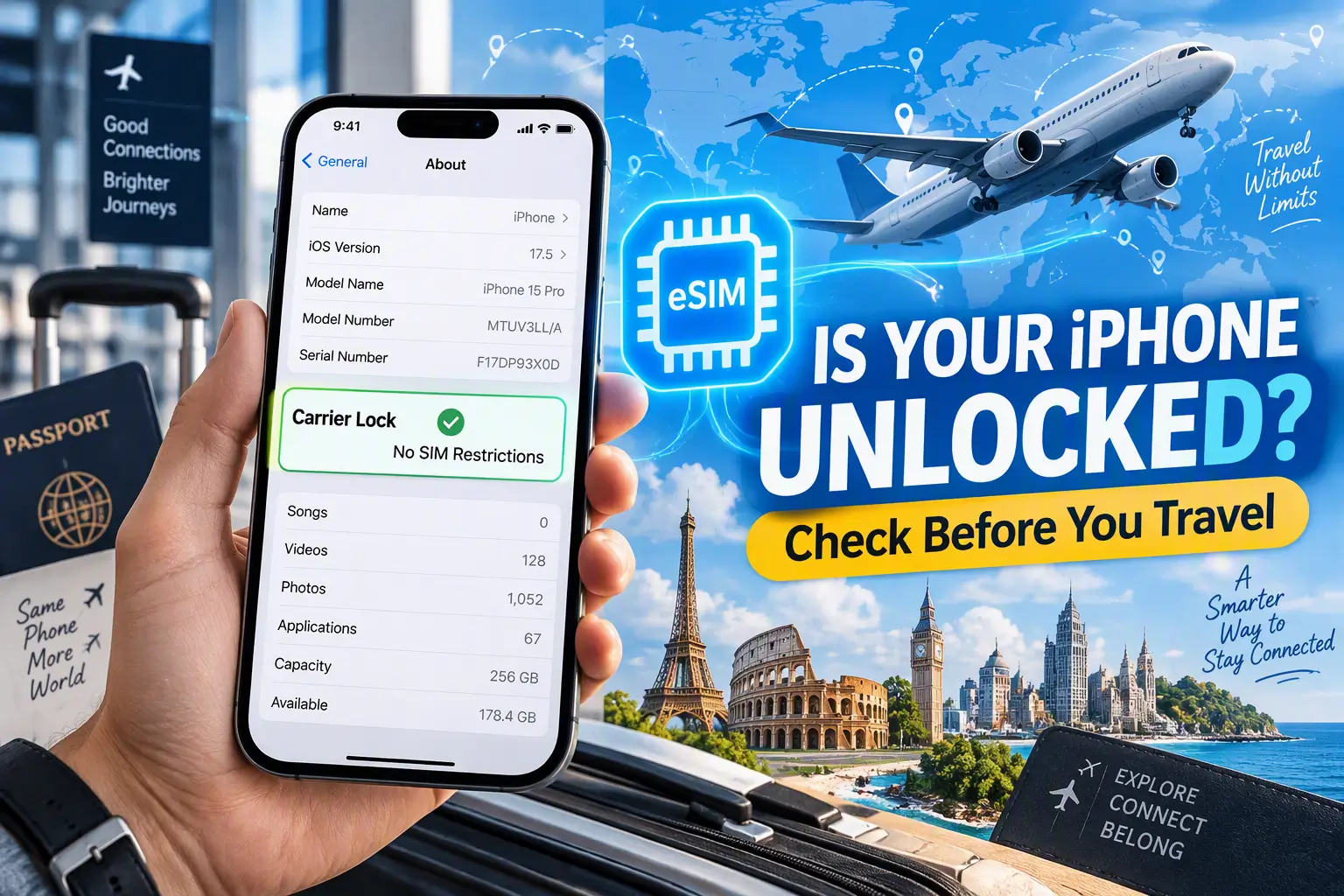
- Check your phone supports eSIM and is unlocked: see compatible devices.
- Buy your eSIM and install it on Wi-Fi at home. Our guide to activating an eSIM has step-by-step instructions for iPhone and Android.
- When you land, switch the eSIM line on, make it your mobile data line and turn on data roaming for it. Turn data roaming off on your home SIM to avoid roaming charges.
Good to know
- Data only: the eSIM doesn’t include a local phone number. Use WhatsApp, FaceTime or similar apps for calls, and keep your home SIM on if you need to receive SMS codes.
- Hotspot included: share your data with a tablet or laptop.
- Plans change? If you haven’t installed the eSIM, you get a full refund within 30 days of purchase. See our refund policy.
Travelling to Australia?
Our Australia eSIM: prepaid data from $0.45, on the Optus 5G network, hotspot included, instant QR code by email.
See Australia eSIM plans