Skip to content

Seoul has some of the fastest and most widespread mobile coverage in the world, but you still need a way to get online from the moment you land. This guide covers how mobile data works in Seoul, which apps to use, and how to set up a travel eSIM for South Korea.
Travelling to South Korea?
Our South Korea eSIM: prepaid data from $0.45, on the SKTelecom 5G network, hotspot included, instant QR code by email.
See South Korea eSIM plansArriving at Incheon or Gimpo
Both of Seoul’s airports have good mobile coverage, so if you installed your eSIM before you flew you can switch it on as you walk off the plane and order a taxi or check the train to the city straight away.
Coverage on the subway
The Seoul subway has mobile coverage in stations and between stations, so you can keep using maps and messaging underground. Coverage also extends to most of the city’s buses and main intercity rail routes.
Apps that work best in Korea
- Maps: Google Maps has limited walking and driving directions in South Korea. Most visitors use Naver Map or KakaoMap, which work in English.
- Taxis: Kakao T is the main taxi app.
- Translation: Papago and Google Translate both handle Korean well, including camera translation of menus and signs.
Free Wi-Fi in Seoul
Free public Wi-Fi is common in Seoul, in many parks, squares, subway stations, cafés and hotels. It’s handy, but an eSIM means you don’t have to hunt for a connection between hotspots.
How much data do you need in Seoul?
Maps, ride-hailing, messaging and some social media typically use 1 to 3 GB a week. If you post lots of photos and videos, make video calls or share data with a laptop, choose 10 GB or more. Bigger plans cost less per GB. Current prices:
| Destination | From | Cheapest 1 GB+ plan | Best value per GB |
|---|---|---|---|
| South Korea | $0.45 | 1 GB / 7 days – $1.05 | 50 GB / 30 days – $25.50 ($0.51/GB) |
| South Korea China Japan | $3.45 | 1 GB / 7 days – $3.45 | 20 GB / 30 days – $37.50 ($1.88/GB) |
| Asia (20 areas) | $5.40 | 1 GB / 7 days – $5.40 | 50 GB / 180 days – $133.50 ($2.67/GB) |
Prices update automatically from our shop.
Combining Korea with Japan or China? The South Korea, China & Japan eSIM covers all three on one plan, and our Asia eSIMs cover longer trips.
Setting up your eSIM before you go
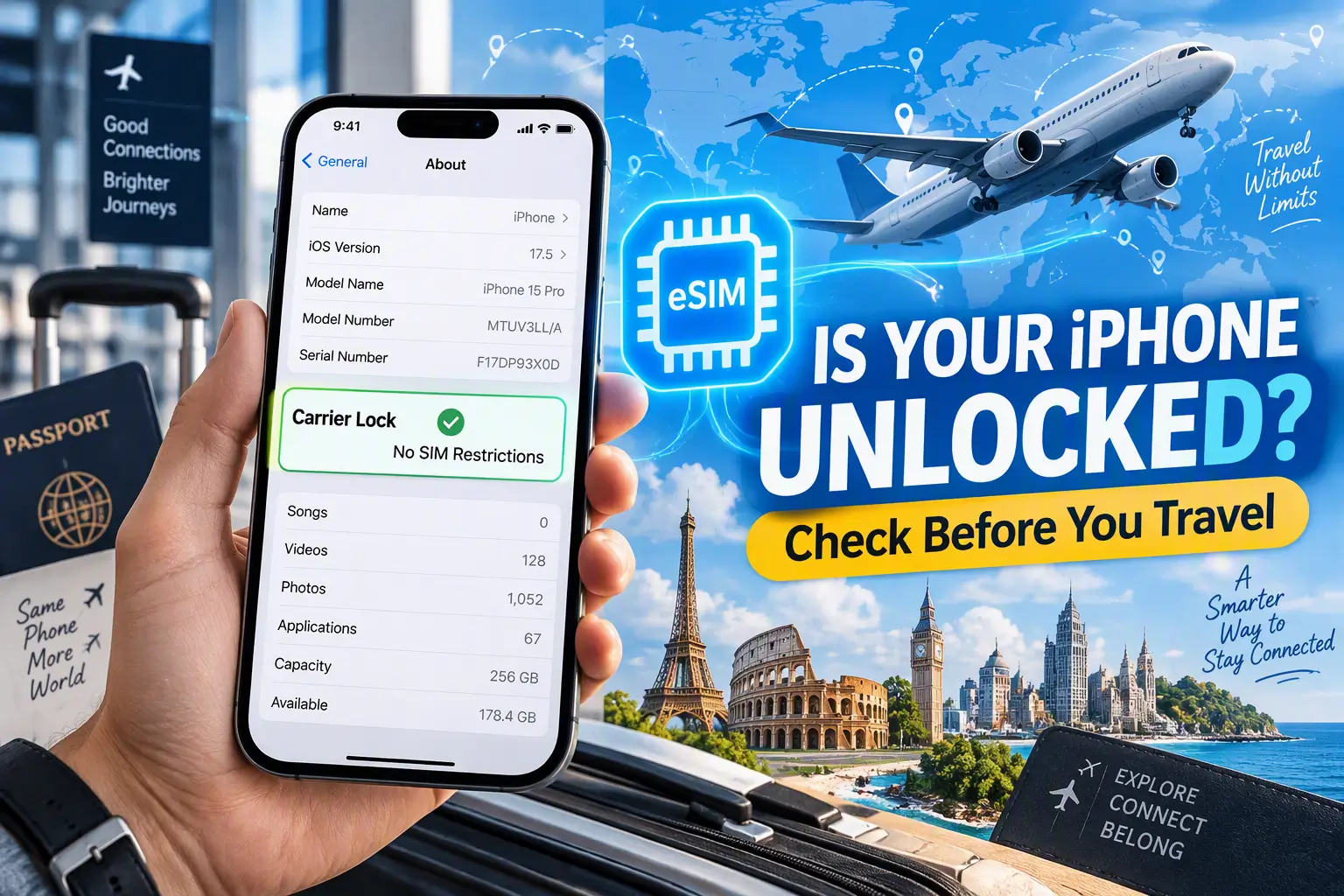
- Check your phone supports eSIM and is unlocked: see compatible devices.
- Buy your eSIM and install it on Wi-Fi at home. Our guide to activating an eSIM has step-by-step instructions for iPhone and Android.
- When you land, switch the eSIM line on, make it your mobile data line and turn on data roaming for it. Turn data roaming off on your home SIM to avoid roaming charges.
Good to know
- Data only: the eSIM doesn’t include a local phone number. Use KakaoTalk, WhatsApp or FaceTime for calls, and keep your home SIM on if you need to receive SMS codes.
- Hotspot included: share your data with a tablet or laptop.
- Plans change? If you haven’t installed the eSIM, you get a full refund within 30 days of purchase. See our refund policy.
Travelling to South Korea?
Our South Korea eSIM: prepaid data from $0.45, on the SKTelecom 5G network, hotspot included, instant QR code by email.
See South Korea eSIM plans